Here are short instructions for how to deactivate an old Google account and activate a new one in cloudHQ:
- Disconnect the old Google Drive account from cloudHQ:
- Go to the Service wizard.
- Click “X” next to the email address of Google Drive:

- Authorize your new Google Drive account:
- Go to the Service wizard
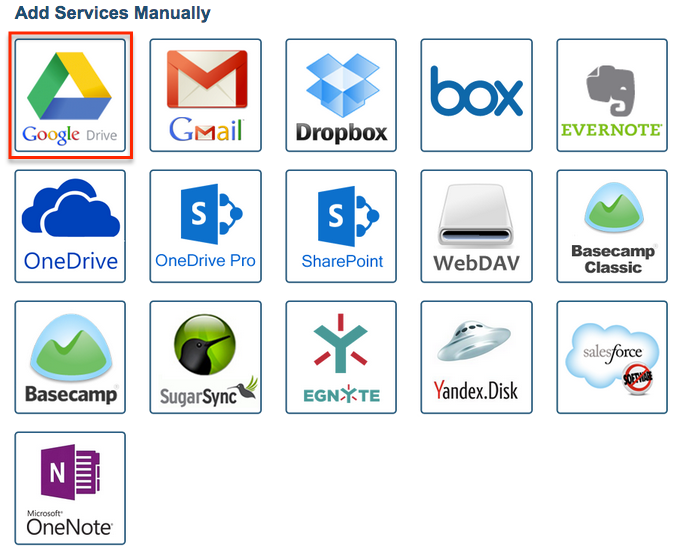
- Click the Google Drive icon:
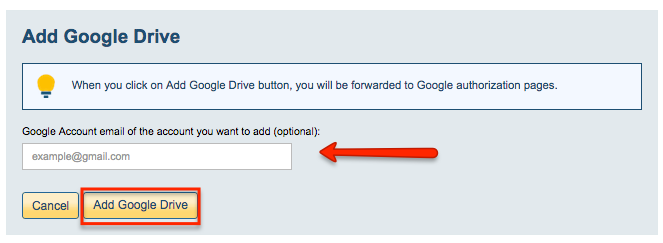
- Enter a new Google Account (email address) and click “Add Google Drive”:
- Continue on to create a sync pair with Google Drive.