Here are short instructions for how to back up a Basecamp project to Evernote:
- Start synchronization wizard to sync two cloud accounts.
- Click the Basecamp icon:

- Select an already-configured Basecamp account or click “Add Basecamp” to add a new Basecamp account:
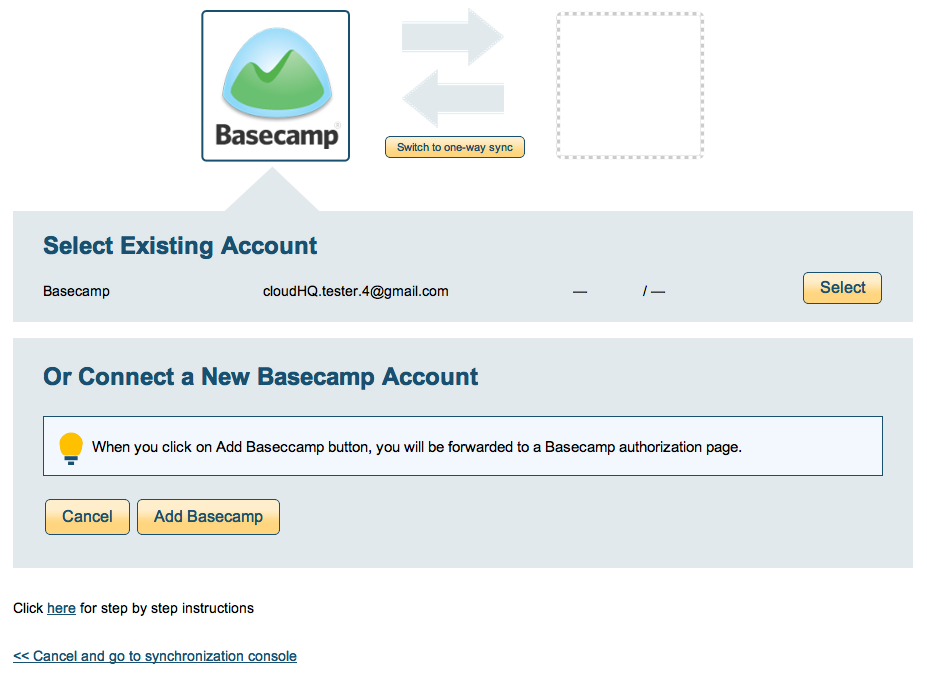
- If you click “Add Basecamp,” you will be forwarded to authorize cloudHQ to access your account:

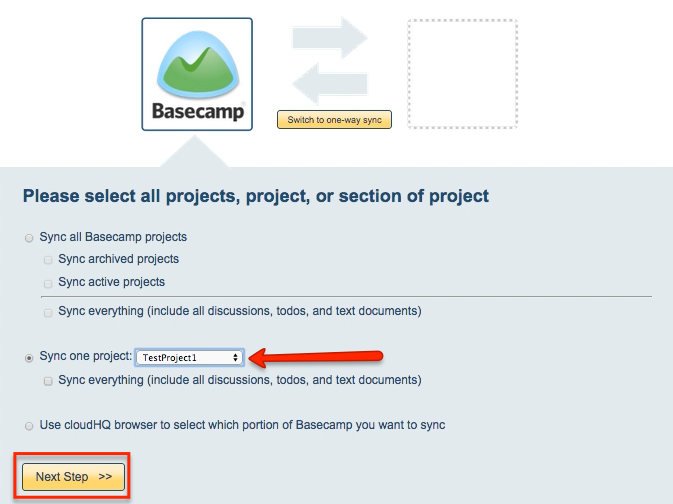
- Select the project in your Basecamp account you want to migrate, then click “Next Step”:
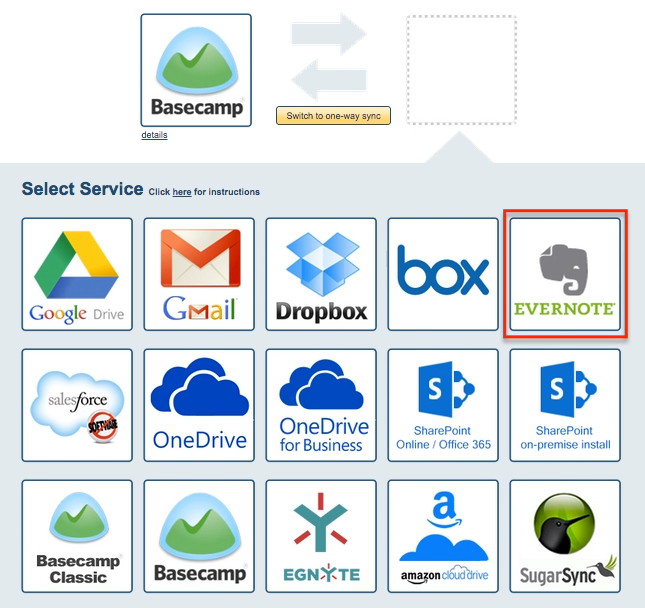
- Click the Evernote icon:
- Select an already-configured Evernote account or click “Add Evernote” to add a new Evernote account:
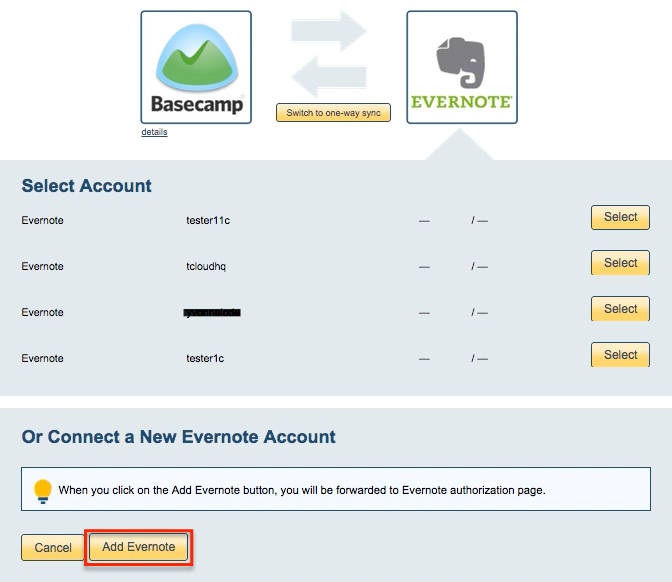
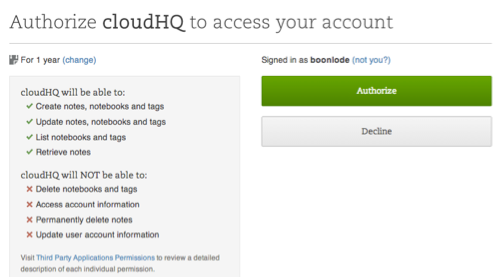
- If you click “Add Evernote,” you will be forwarded to authorize cloudHQ to access your account:
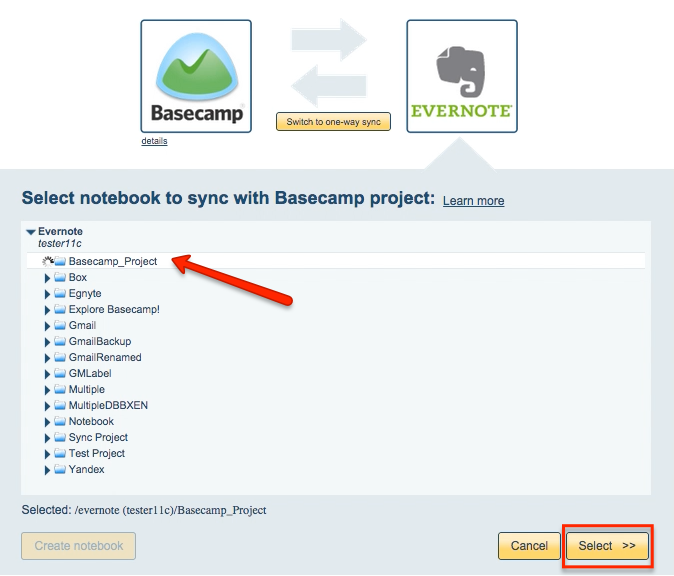
- Select an Evernote notebook where you want to migrate your Basecamp project:
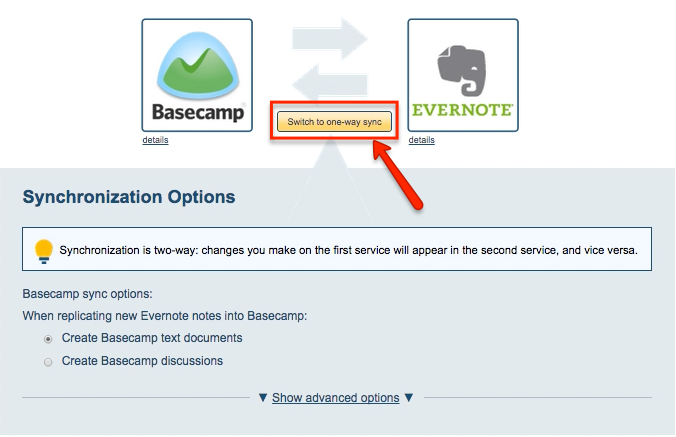
- Click “Switch to one-way sync”:
- Choose your options. Synchronization starts automatically:
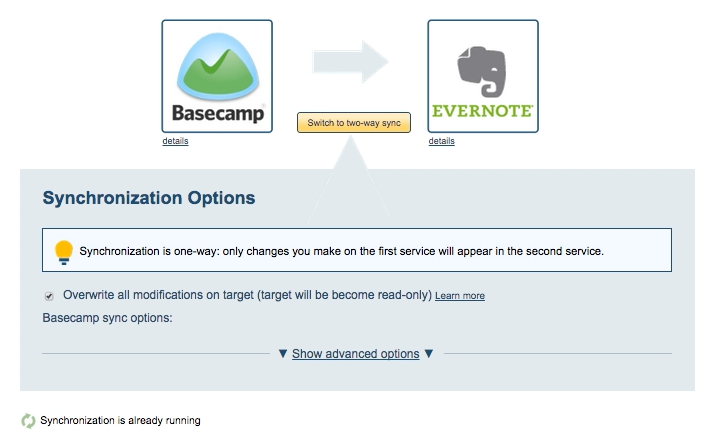
- The synchronization status will display after initial synchronization.
- Here is How to Monitor Status of Sync.
- You will receive an email to confirm the success of your initial synchronization.